Introduction
A great Happy New Year 2026 banner grabs attention fast. It makes parties feel special, helps stores sell more, and turns social posts into shares. If you want a banner that looks sharp in Paris, London, Milan or Berlin — and also looks great on your website and Instagram — this long guide is for you. I’ll show you where to get templates, exact print and web sizes, an easy step-by-step design tutorial, export settings for print and web, and European style tips so your banner fits local tastes. You’ll also get a simple DIY assembly guide, SEO tips to help your page rank, copy-and-paste CTAs, and ideas to convert downloads into email subscribers. I use plain, friendly language so anyone — even a 15-year-old — can follow.
Why a great Happy New Year 2026 banner matters
A banner is small work with big effects. Three core benefits:
- Immediate clarity. At a glance, people know the message. A clear headline like HAPPY NEW YEAR 2026 reads from far away.
- Mood setting. Colors and type set the tone — classic, modern, festive, or edgy.
- Shareability. Photo-ready backdrops encourage selfies and social sharing, leading to organic reach.
A banner that is easy to read, looks good in photos, and works across formats (print + web) gives the best results. That’s the aim of this guide: make it simple to produce a banner that does all three.
Banner types and file formats (easy guide)
Pick the right file for your final use. Below are clear choices with short reasons.
Vector — AI, EPS, SVG
Use for: Very large prints (stage backdrops, vinyl banners)
Why: Scales cleanly to any size and is preferred by printers.
High-res raster — PSD, TIFF, large PNG
Use for: Photo-rich banners and when you need layers for editing
Why: Keeps image detail and allows deep edits. Use 300 dpi for print.
Web raster — PNG, JPEG, WebP
Use for: Websites, email headers, social posts
Why: Small file size, fast loading. Use sRGB color profile.
Quick decision checklist
- Big physical banner → vector
- Layered edits/photo-intensive → PSD/TIFF at 300 dpi
- Social and web → JPEG/WebP/PNG at exact px
Banner size chart — print and web
Copy this table into your CMS. These are common and practical sizes. Always confirm with your printer for bleed and material.
| Use-case | Print size (cm) | Web size (px) | Notes |
| Large vinyl backdrop / event stage | 300 × 200 cm (3m × 2m) | N/A | Use vector; include bleed if raster |
| Roll-up banner (standard) | 85 × 200 cm | N/A | Include 3–5 mm bleed |
| Shop window banner | Custom (measure) | N/A | Measure exact display area |
| Horizontal web hero | N/A | 1920 × 600 px | Place focal content inside center 1200 px |
| Website header / email banner | N/A | 600 × 200 px | Keep file size small for email |
| Facebook cover | N/A | 820 × 312 px | Mobile crop differs—center key info |
| Instagram post (square) | N/A | 1080 × 1080 px | Keep important content centered |
| Instagram story / vertical | N/A | 1080 × 1920 px | Keep critical text away from top/bottom |
| Web leaderboard (ad) | N/A | 728 × 90 px | Standard ad size |
| Thumbnail / icon | N/A | 400 × 400 px | For avatars or small previews |
Tip: Always export separate files for print and web. Never use a tiny web image for print.
Best places to get Happy New Year 2026 banner templates
You have options by speed, cost, and control.
Free + Fast
- Canva — Very easy to use. Great for social posts and quick banners. Pre-sized templates and direct social export.
- Free blog printables — Bloggers often offer A4/Letter printables. Good for small DIY events.
More control (print-ready)
- Freepik — Vectors and PSDs. Great for print, but check license terms.
- PosterMyWall — Wide selection for print and web, simple editor.
Premium
- Adobe Stock / Shutterstock — High-quality vectors and images, reliable licensing, usually paid.
How to choose:
- Need speed and no design skill? Canva.
- Need print control and vectors? Freepik / Adobe Stock.
- Want free printable? Search blog printables.
Step-by-step: design your Happy New Year 2026 banner (detailed tutorial)
This long tutorial walks you from idea to export. Follow the numbered steps.
Tools you can use
- Canva (fast, web)
- Adobe Illustrator (vector)
- Adobe Photoshop (raster/PSD)
- TinyPNG / ImageOptim (compressors)
Planning & brief (3 simple steps)
- Purpose: What is it for? A stage backdrop? A shop window? A web hero?
- Audience & tone: Who will see it? Elegant adults? Young party-goers? Shoppers?
- Logistics: Where will it hang? Indoor or outdoor? Size and material?
Design steps (numbered and descriptive)
- Create a new file at the right size. For print, start in CM or meters if vector; for web, use pixels.
- Choose a color scheme. For European elegance, try black + gold, navy + rose-gold, or deep emerald + cream. For youth events, bold neon gradients work well.
- Pick fonts. One bold display font for the headline (easy reading from distance). One simple sans-serif for details. Keep contrast high.
- Set the headline. Place HAPPY NEW YEAR 2026 large and central or left-aligned depending on style. Make the year bold so it stands out.
- Add one supporting line. A short line: event name, sale copy, or a date/time. Keep it concise.
- Place logo & contact. Put the logo small in a corner; ensure it’s visible against the background (add a subtle solid or translucent box behind it).
- Add photo or texture. Use fireworks, bokeh, or confetti imagery. For print, ensure 300 dpi. For vectors, use shapes and gradients.
- Spacing & margins. Don’t crowd the edges. Keep safe margins (10 mm for prints, safe areas for social).
- Contrast & legibility check. Make sure text has 4.5:1 contrast with background.
- Mock up at real size. Use mockups or print a scaled proof to confirm readability.
- Create versions. Export print-ready file (PDF with bleed), web images at correct px, plus cropped social sizes.
- Test on devices. Preview web images on desktop and mobile. Test printed proof if possible.
Practical examples (three short recipes)
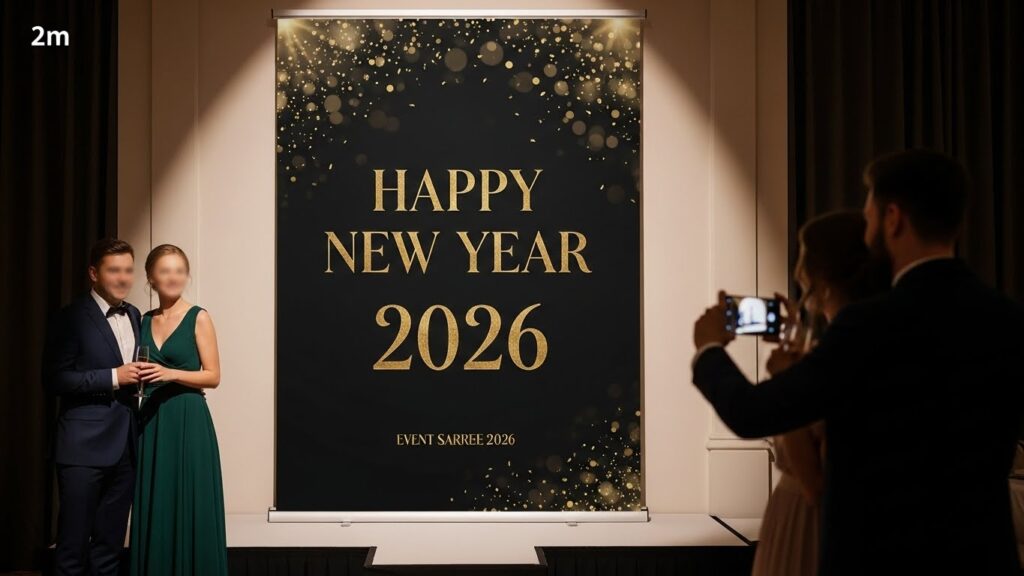
- Elegant party banner (Paris style): Black background, large serif gold headline, subtle champagne bokeh behind, small venue info below.
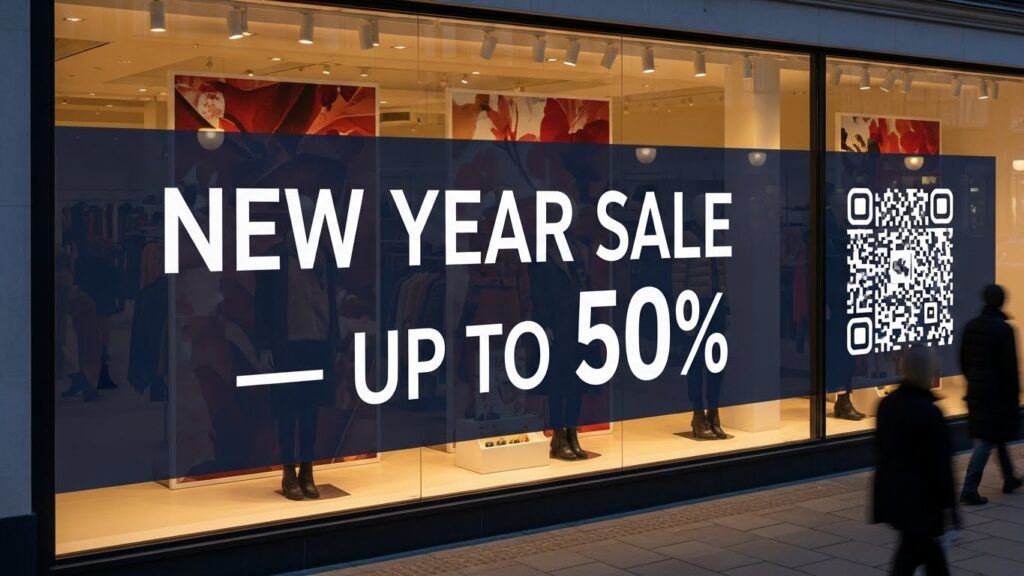
- Retail sale banner (London): High-contrast photo, bold sans headline “NEW YEAR SALE — UP TO 50%”, CTA button image for QR code.
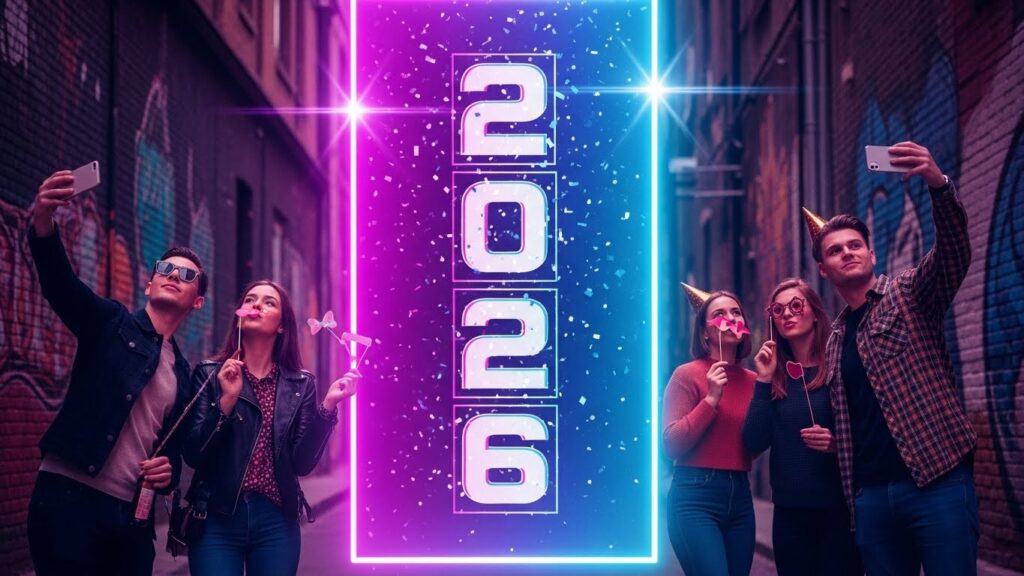
- Street party backdrop (Berlin): Neon gradient background, oversized year 2026 in condensed font, graffiti-style accent illustration.
European trends: style, fashion, events & travel ideas
To resonate in Europe, tune your visuals to regional style cues.
City-style suggestions
- Paris: Chic and understated—black + gold, serif display, champagne imagery. Use subtle textures and elegant spacing.
- London: Modern and loud—high-contrast photography, clear sale CTAs, practical info.
- Milan: Fashion-first—minimal typography, monochrome with metallic accents, luxe finishes.
- Berlin: Artistic and bold—neon gradients, street-style illustration, big numeric year.
Fashion & lifestyle tie-ins
- Window displays: Coordinate banners with outfits on mannequins—co-branded shop banners drive footfall.
- Pop-ups & boutiques: Partner with local designers for co-branded banners and influencer shots.
- Dress-code marketing: Suggest outfits (e.g., “Black & Gold — Dress Code”) to make events feel curated.
Travel & event tips
- Photo wall strategy: Make a 2–3 m wide backdrop for selfies; include a small hashtag and logo.
- Rooftop events: Use matte, non-reflective materials to avoid glare.
- Coastal towns: Use weatherproof materials and consider evening lighting for readability.
Logistics note: Ship banners via local printers to avoid cross-border delays in Europe and reduce carbon footprint.
Backlinks & promotion strategies to outrank competitors
You need authority and links to outrank template-only pages.
Outreach ideas
- Event blogs & local guides: Offer the free pack to local event blogs in Paris, London, Milan, Berlin.
- Party planners & venues: Ask party planning sites to link to your free banner pack as a resource.
- Influencers: Send a high-quality banner to a micro-influencer for an Instagram story and link.
- Press release: Short PR about “Free NYE Banner Pack for 2026” for local press.
Content marketing plays
- How-to video showing printing and assembly. Embed on the page and share on YouTube and TikTok.
- Case study of an event that used your banner: before/after photos and stats (attendance, sales uplift).
- Roundup posts — include your pack in “Best free NYE resources” articles and reach out for inclusion.
Pros & Cons
Templates (Canva, PosterMyWall, free printables)
Pros
- Fast and cheap.
- Easy for non-designers.
- Many preset sizes and styles.
Cons
- Can look common.
- Limited control over print specs (bleed, CMYK).
- Licensing rules may limit commercial use.
Custom design
Pros
- Unique and brand-specific.
- Full control over print and special finishes.
- Best for flagship events and brand launches.
Cons
- Pricier and slower.
- Requires proofs and design oversight.
FAQs
A: It depends. Common sizes: roll-up 85×200 cm and vinyl backdrop 300×200 cm. For very large prints use vector or a 300 dpi file.
A: Yes for small to medium prints if the PNG is high resolution. For very large prints use vector (AI/EPS) or high-res TIFF/PSD to avoid pixelation.
A: Canva and PosterMyWall are quick and easy. Use Photoshop or Illustrator for professional print work.
A: Use keyword-rich filenames, descriptive alt text, FAQ schema, and place images on long-form pages with supporting text.
A: You can host a free pack onhttps://trendyoccasion.com/ to drive traffic and collect emails.
Conclusion
A standout Happy New Year 2026 banner combines clear messaging, the right file type, correct export settings, and a look that fits your audience. For Europe, match the design to the city — Paris prefers elegance, Milan Prefers fashion-forward minimalism, Berlin loves bold and urban looks.